Description
Features That Stand Out
Versatile Connectivity: Equipped with HDMI, USB, and 3.5mm audio ports, allowing you to connect gaming consoles, laptops, USB drives, and external audio device
Native 720P Resolution (Supports 1080P/4K): Enjoy stunningly clear and detailed images with a true 1280x720P resolution. The projector supports decoding of 1080P and 4K content, ensuring your movies and games look fantastic.
Android 11.0 Smart OS: Dive into a world of endless entertainment with the built-in Android 11.0 system. Download apps directly from the Google Play Store, stream content, and browse the web without needing additional devices.
200 ANSI Lumens Brightness: Experience bright and vivid projections with 200 ANSI Lumens, providing excellent visibility for indoor use and even in rooms with ambient light.
Dual-Band Wi-Fi 6 Connectivity: Stay connected with ultra-fast and stable internet thanks to Wi-Fi 6 (2.4G/5G). Enjoy smooth streaming and lag-free online gaming, a crucial feature for the fast-paced digital lifestyle in Bangladesh.
Bluetooth 5.0 for Audio: Connect your favorite Bluetooth speakers, headphones, or soundbars wirelessly for an enhanced audio experience, creating a true cinematic feel.
Quad-core ARM Cortex-A53 Processor: Powered by an Allwinner H713 Quad-core CPU and Mali-G31 GPU, the projector delivers smooth performance for apps, media playback, and casual gaming.
Automatic Keystone Correction & Manual Focus: Set up your projector effortlessly. The automatic vertical keystone correction adjusts the image for perfect alignment, while manual focus ensures a sharp picture every time.
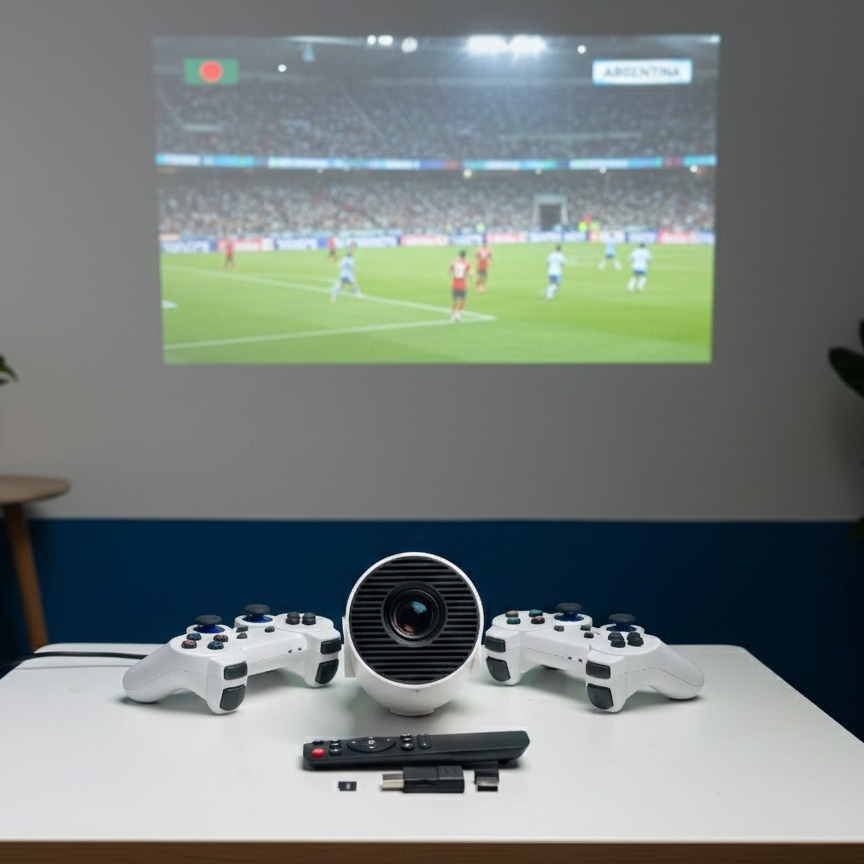
Large Projection Size: Project screens from 40 to 130 inches, turning any wall into a massive display for movies, sports, or gaming sessions.
Long-lasting LED Lamp: With an impressive lamp life of up to 50,000 hours, you can enjoy years of entertainment without worrying about lamp replacement.
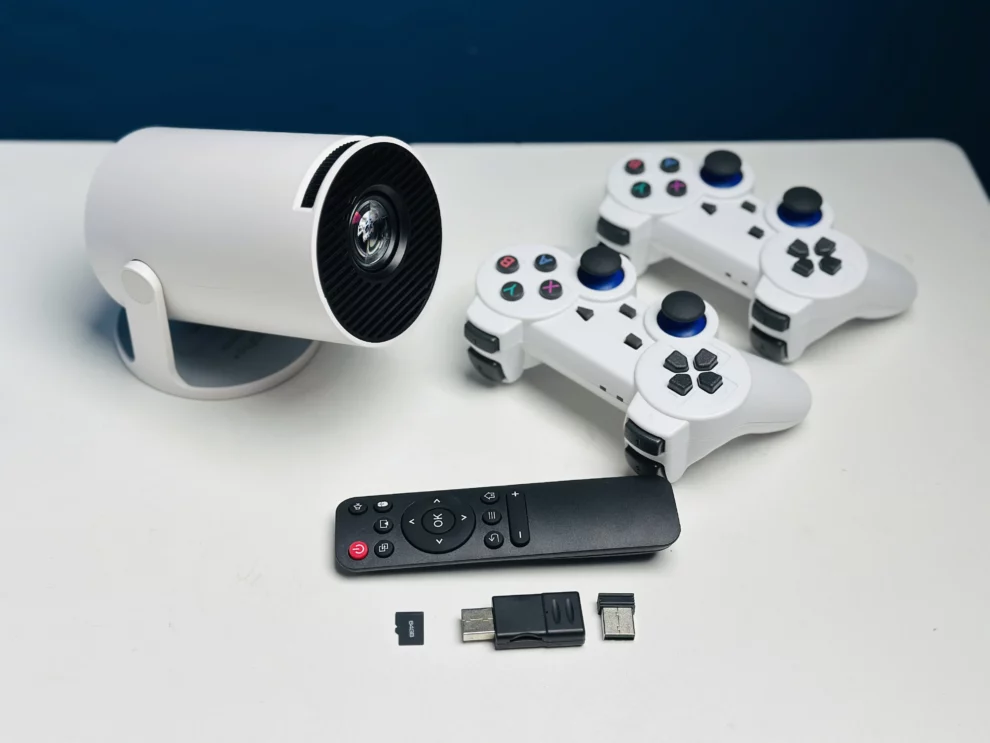
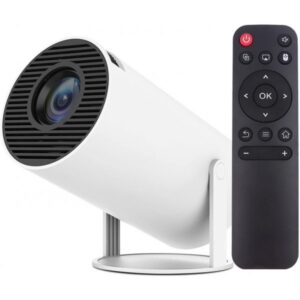
Portable & Compact Design: Weighing just 0.7 kg and featuring a sleek, modern design, the HY300 Pro Plus is easy to carry and set up anywhere – perfect for family gatherings, outdoor movie nights, or business presentations in Bangladesh.
Specifications:
| Feature | Specification |
|---|---|
| Brand | Unit |
| Model | HY300 Pro Plus |
| Display Technology | LCD |
| Native Resolution | 1280x720P (Supports 1080P/4K decoding) |
| Brightness | 200 ANSI Lumens |
| Contrast Ratio | 2500:1 |
| Lamp Life | Up to 50,000 Hours (LED) |
| Projection Size | 40-130 Inches |
| Projection Distance | 1.2m – 4m |
| Aspect Ratio | 16:9 / 4:3 |
| Operating System | Android 11.0 |
| CPU | Allwinner H713 Quad-core ARM Cortex-A53 |
| GPU | Mali-G31 (Supports OpenGL ES3.2, Vulkan 1.1, OpenCL2.0) |
| RAM | 1GB DDR3 |
| ROM | 8GB eMMC |
| Wi-Fi | Wi-Fi 6 (2.4G/5G Dual-band) |
| Bluetooth | Bluetooth 5.0 |
| Keystone Correction | Automatic Vertical Keystone Correction |
| Focus Mode | Manual Focus |
| Built-in Speaker | 3W Hi-Fi Speaker |
| Input Ports | HDMI, USB |
| Output Port | 3.5mm Audio Jack |
| Power Supply | AC 100-240V, 50/60Hz |
| Power Consumption | 60W |
| Dimensions (L x W x H) | 100 x 100 x 185 mm |
| Weight | 0.7 kg |
| Color | White/Grey (Standard) |
How to Set Up and Use Your Unit HY300 Pro Plus
Getting started with your HY300 Pro Plus is incredibly simple:
- Power On: Plug the projector into a power outlet using the provided adapter and press the power button.
- Positioning: Place the projector on a flat surface, facing your desired projection screen or wall. The optimal distance is between 1.5 to 3 meters for a good balance of size and brightness.
- Focus Adjustment: Use the manual focus wheel (usually located on the side or top) to achieve a sharp image. The automatic vertical keystone correction will help square the image.
- Connect to Wi-Fi: Navigate to the settings menu, select Wi-Fi, and connect to your home network. Enjoy seamless internet access for streaming.
- Download Apps: Access the Google Play Store to download your favorite streaming apps, games, or productivity tools.
- Connect Devices (Optional): Use the HDMI port for gaming consoles (PlayStation, Xbox, Nintendo Switch), laptops, or TV boxes. Plug in USB drives for local media playback.
- Audio Setup (Optional): Connect a Bluetooth speaker or headphones via Bluetooth 5.0 for a more immersive audio experience, or use the 3.5mm audio jack.
With these simple steps, you’ll be enjoying big-screen entertainment in minutes, making it an ideal choice for households across Bangladesh.
Reviews
There are no reviews yet.